 Word
OfficeDexThis is Vibe Officing.
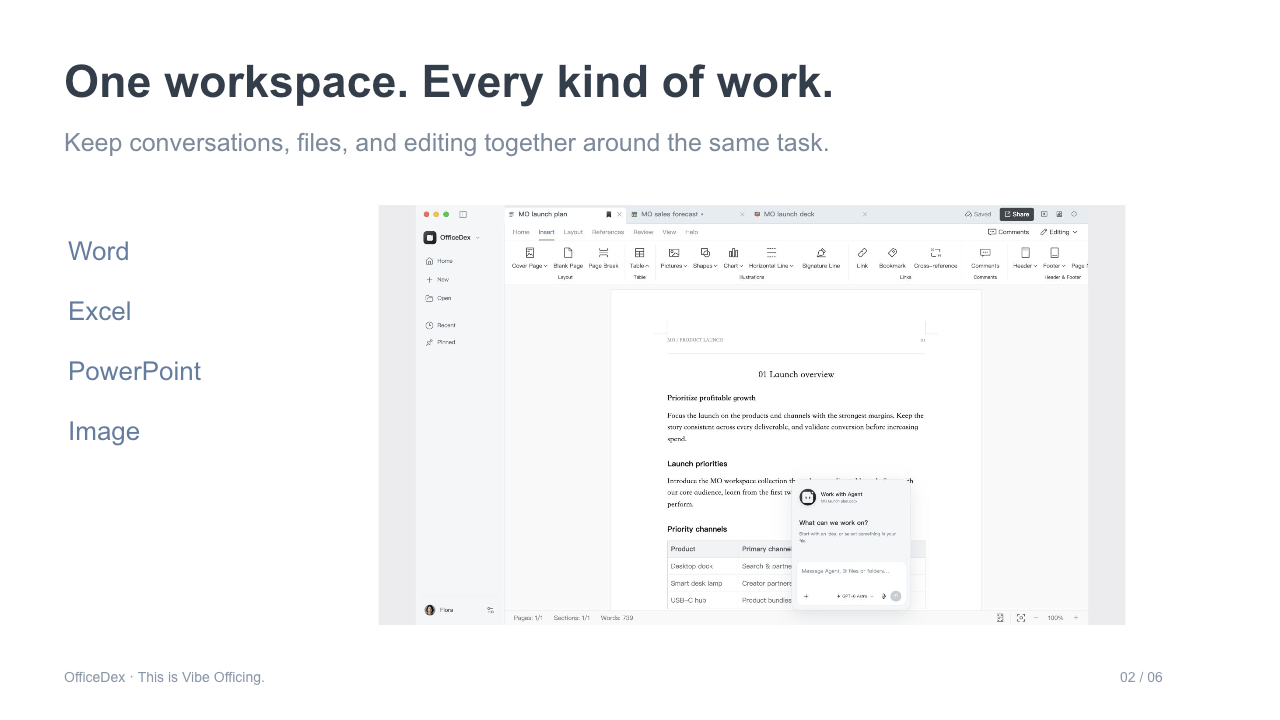
Start with a Word document, Excel workbook, or PowerPoint deck.
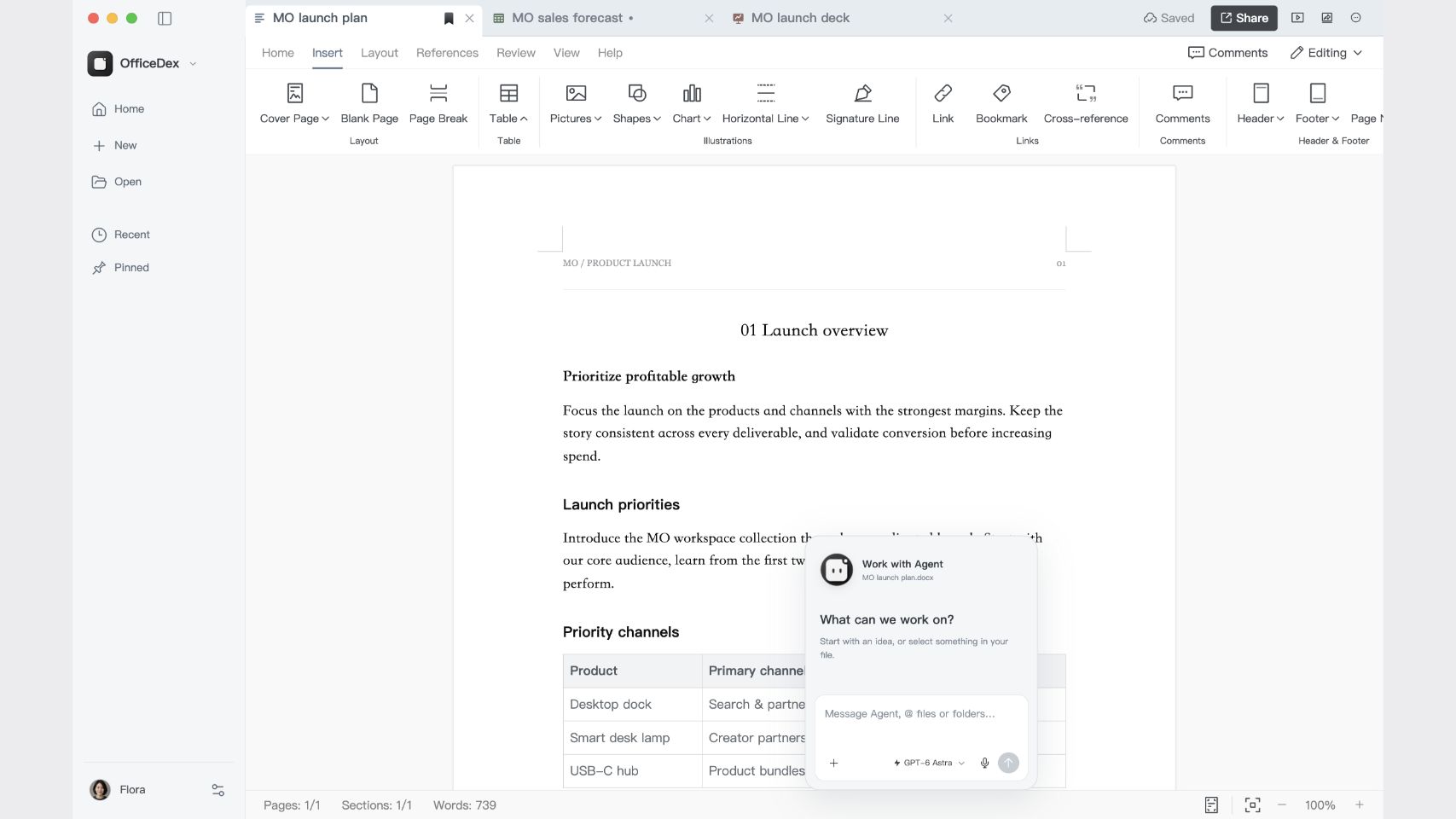
Draft with Dex, refine the details, and keep editing the file.
macOS and Windows · Free manual editing
Choose your download.
AI usage is separate. See Credits and connection options.
New to OfficeDex? Explore the product workflow · Word · Excel · PowerPoint
Opening Editor…


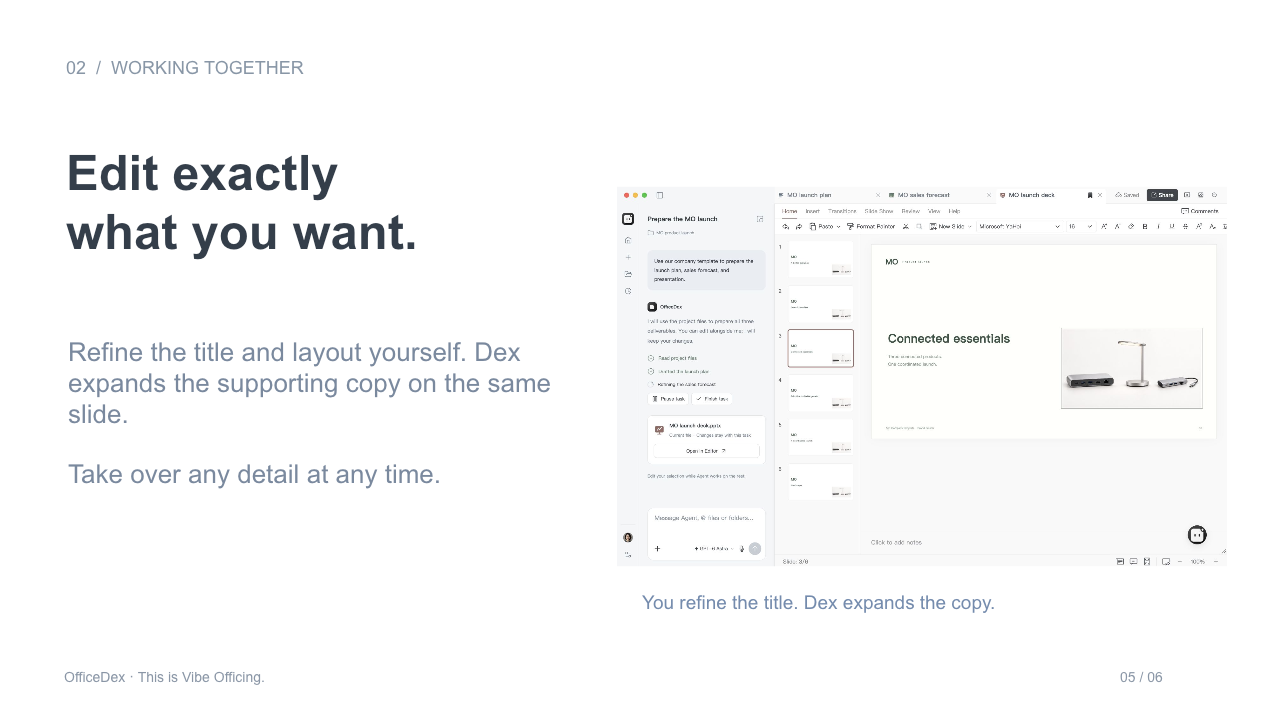
Edit exactly what you want.
A paragraph, a word, even a punctuation mark. Ask Dex to make the change, or make it yourself.
Start with your next task
 Presentations
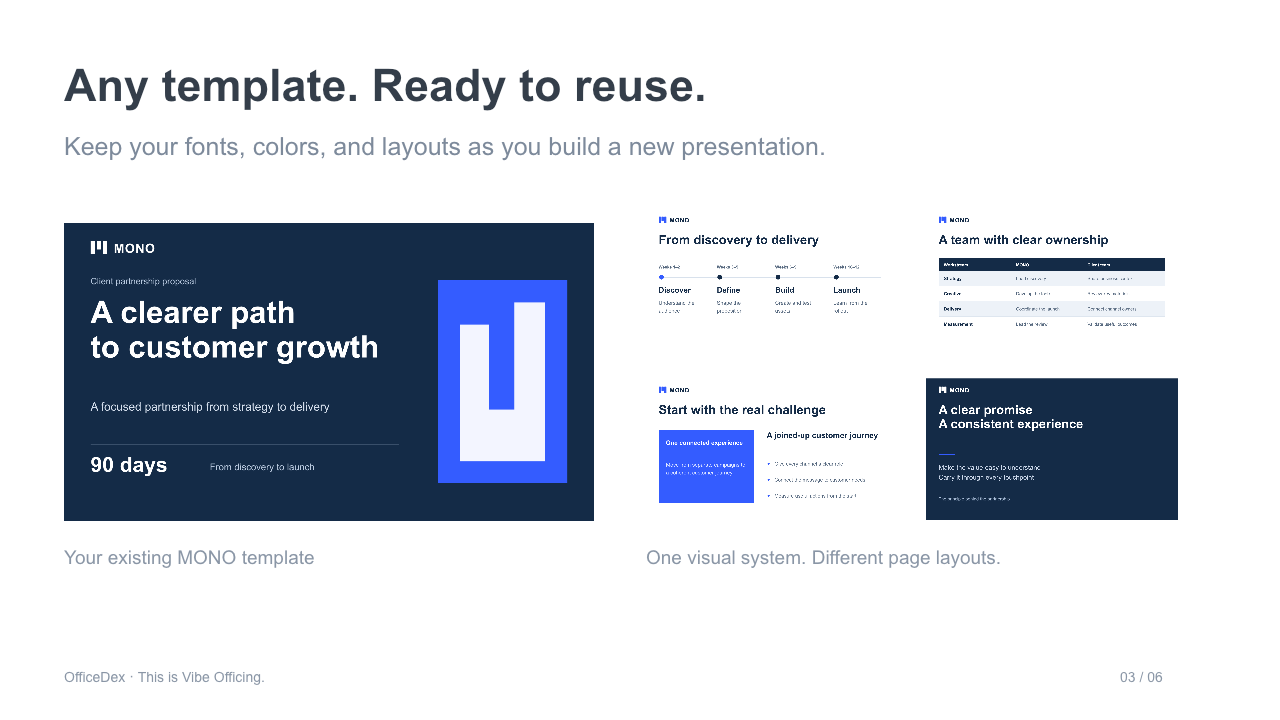
Keep your layouts and brand style in every presentation
Your template,
a fresh proposal
 Documents
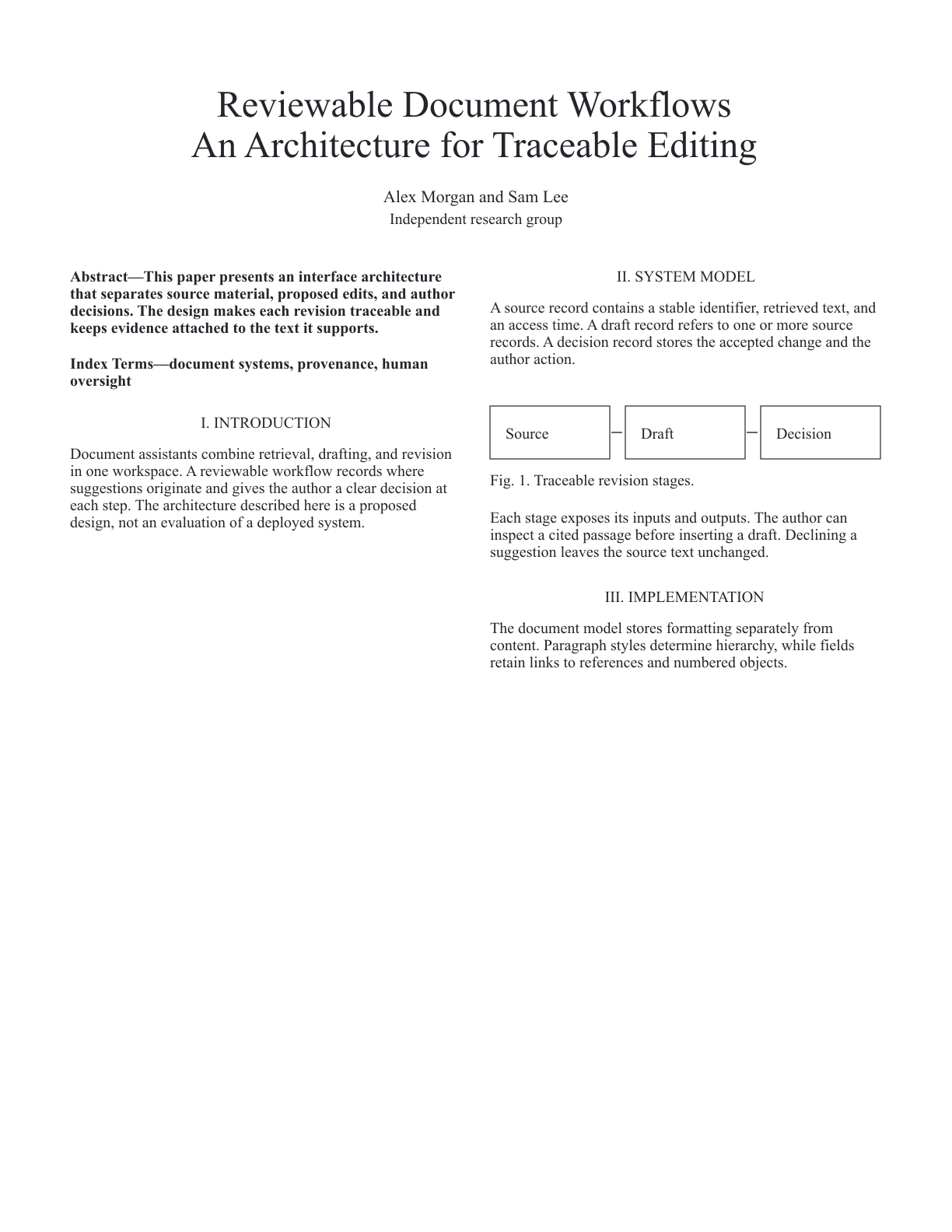
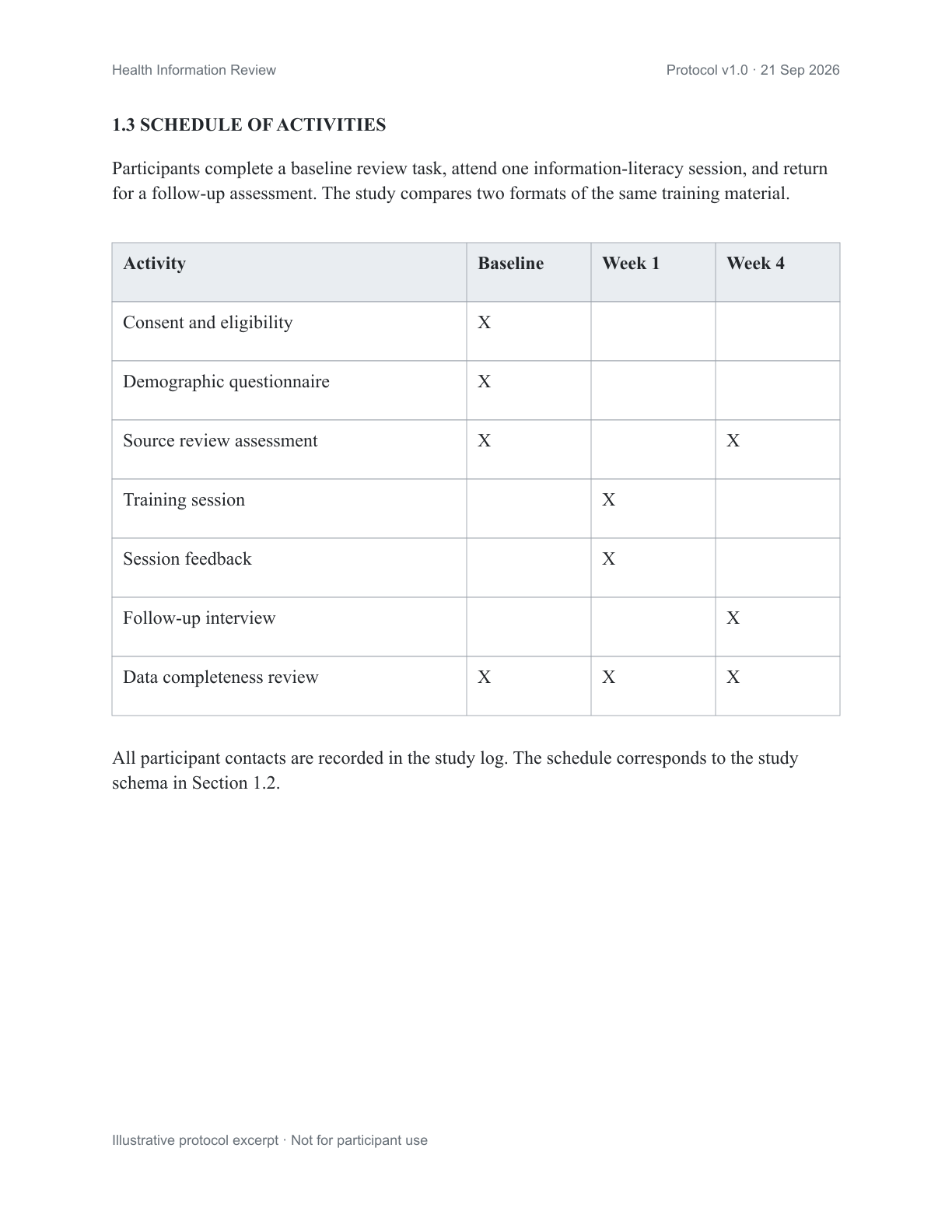
Bring content and formatting together, from first draft to final paper
Focus on ideas,
keep the structure
 Data analysis
Organize, analyze, and plan in a familiar spreadsheet
Turn your data
into the next step
 Project work
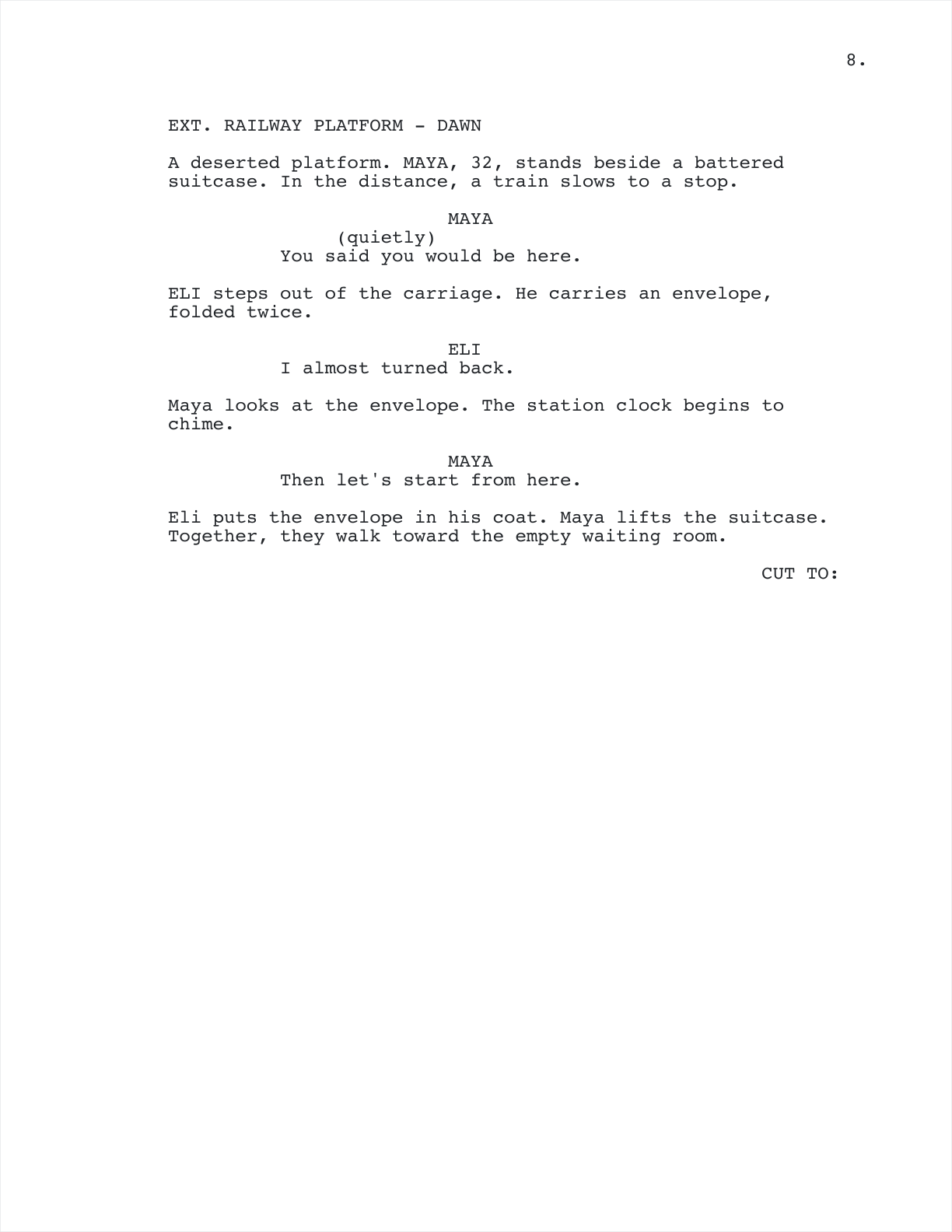
Keep the plan, budget, and presentation around the same task
One project,
every deliverable
 Edit together
Open the editor and give the finishing touches your attention
Take the lead,
refine the details
Working on a document, spreadsheet, or deck? Find practical steps in the Word, Excel, and PowerPoint guides, or explore the free Office Editor for direct file edits.
Need a visual for your proposal or presentation? Explore the image creation workflow to plan a prompt, add references, and review a revision.
Native Vibe OfficingWork faster, edit precisely
A complete toolkit
Ready to take on more
People and Agents working together, in documents you can keep editing
WordPowerPointFlexible layouts
 PowerPoint
Reusable templates

 Excel
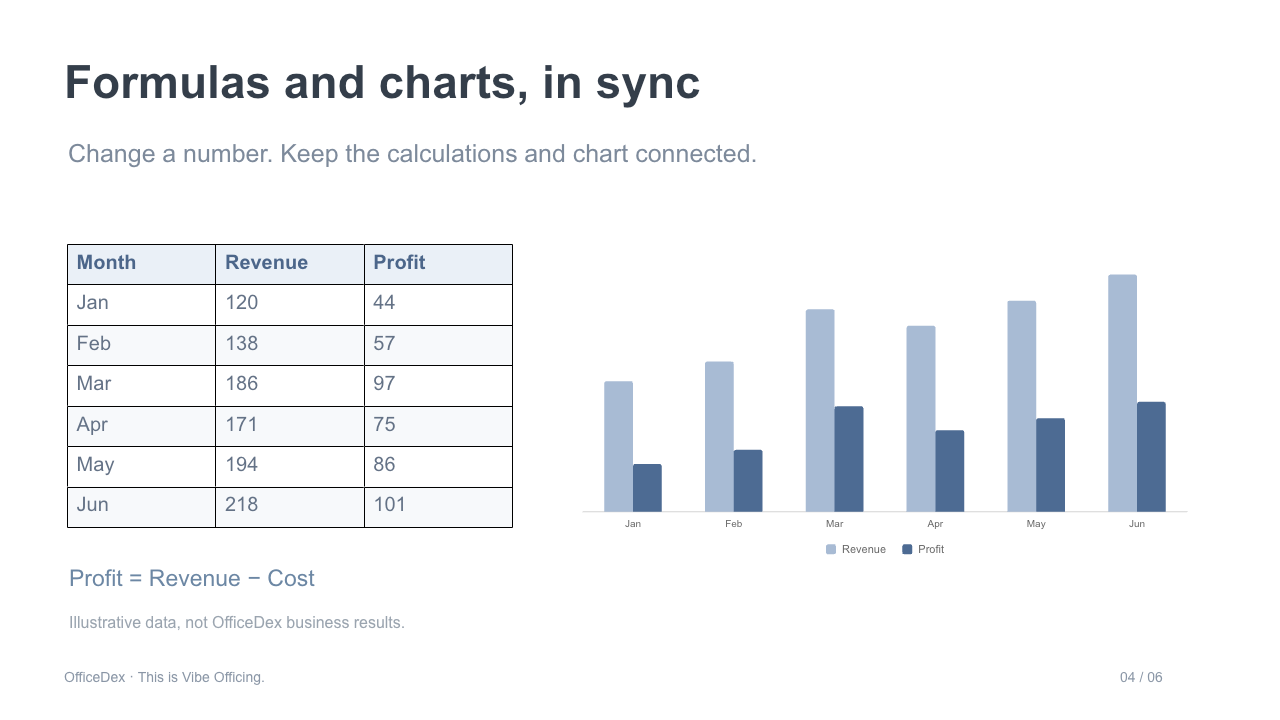
Formulas that work
=SUM(B2:B7)Revenue − Cost = Profit
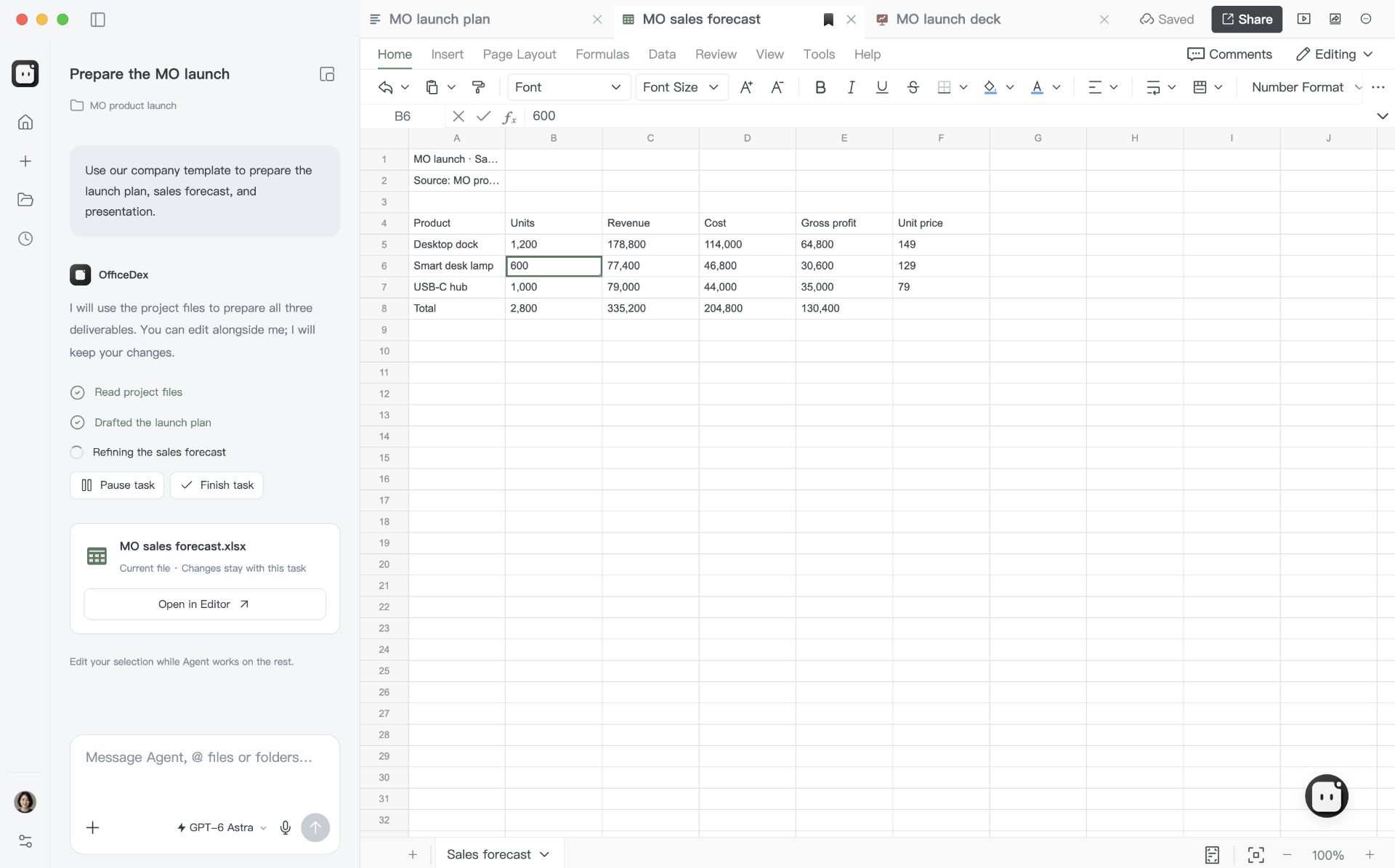
ExcelSources to spreadsheets
 Word
Format multiple pages
 OfficeDex
One shared file
Keep creating together
WordResearch-ready layouts
ExcelData into charts
PowerPointIdeas into presentations
 Word
Text and images together
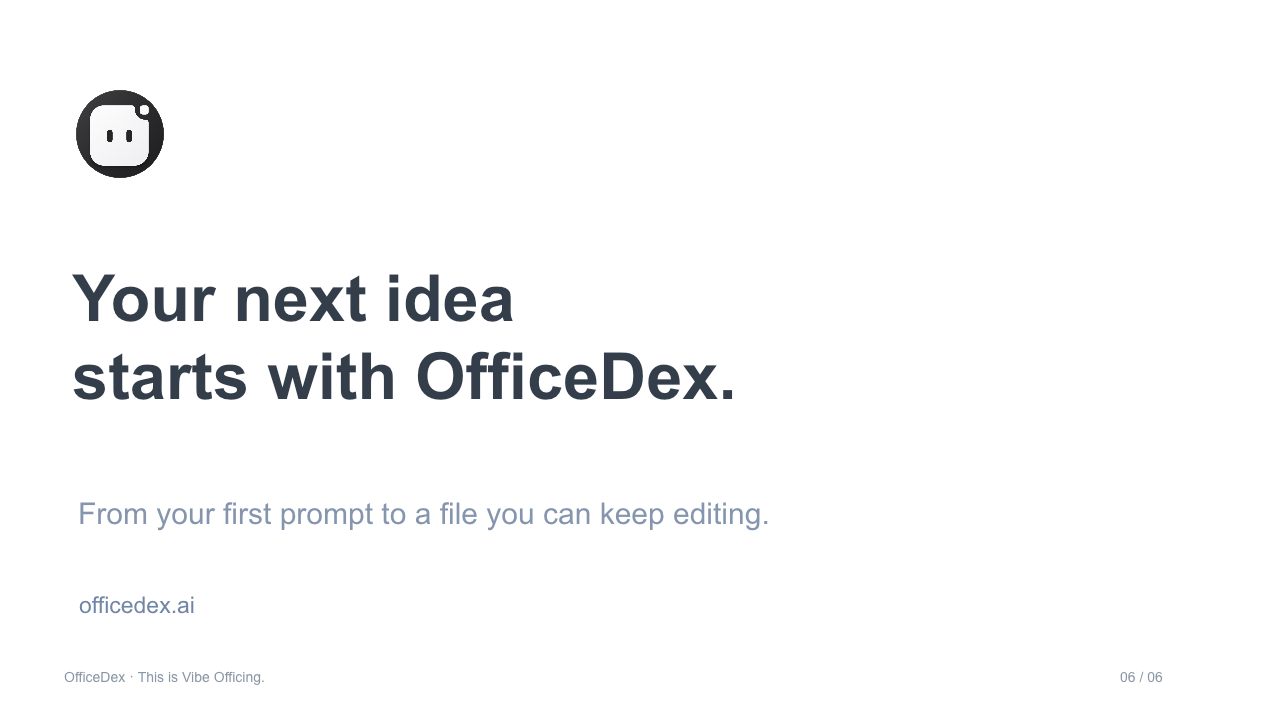
WordDown to the punctuation
Just this!Just this.
ExcelCharts that stay in sync
The demo could not play. View the image or .
Do your best work with Dex
Illustrative workflows · fictional personas
When I make a proposal, I want to keep our company template. I can give it to Dex, build on it for this project, and still adjust every slide myself.

Clara Bennett
Business Development ManagerSometimes I only want to change a sentence, or even a punctuation mark. Being able to point Dex to the exact spot while seeing the context makes those final edits easier.

Ethan Cole
Content EditorI refine the title while Dex expands the body. We keep working in the same file, without copying a chat response back into the document and formatting it again.

Maya Chen
Product ManagerMy research draft is already written. I need help with headings, paragraphs, and figures. Watching Dex format several pages, then zooming into one to refine it together, feels straightforward.

Noah Reed
Graduate ResearcherI add two source files and watch Dex build a table, write formulas, and create charts. I can check the numbers right in the spreadsheet and change what needs attention.

Sofia Moreno
Data AnalystWhen a proposal needs an image, I can describe it in the same workspace. I choose a version, keep refining it, and go back to an earlier one without losing my train of thought.

Oliver Park
Brand DesignerYour next task
starts with OfficeDex
Download OfficeDexBefore you begin,
a few answers
What is OfficeDex?
OfficeDex is a desktop workspace for creating and editing Word documents, Excel workbooks, and PowerPoint presentations. Work with Dex on drafts and focused revisions, edit the files directly, and organize related Chats and Assets in a project. Manual editing is free; AI usage is separate.
What files can I work with?
Work with Word DOCX, Excel XLSX, and PowerPoint PPTX files. Open an existing file or start with an AI draft, make direct edits, and use Save or Save copy. Review any specialist features in the application your recipient uses.
How do I work with Dex on a file?
Describe the file you need or ask for a focused change to an existing document. Include the source facts and quote the text you want revised. Open the result, review the change, and keep editing directly or continue the conversation with Dex.
Which systems and AI models are supported?
Use the hosted option available to your account, or Settings → Models → Add to configure an OpenAI-compatible endpoint with Provider URL, Model ID, and API key. Check compatibility with a small actual file task. Packages are available for Apple Silicon and Intel Macs and Windows x64.
How are my files stored and protected?
Workspace files are stored locally. Prompts and relevant context may be sent to the hosted service or provider you select. Local storage does not mean local AI processing; check your connection and any backup or sync settings before using restricted material.
How can I try OfficeDex, and what does it cost?
Manual editing is free. Hosted AI uses Credits, while a configured provider may charge API fees. Check your account or provider for current usage terms; free editing does not mean unlimited free AI.